

Scaling an expert business is challenging. Managing operations, maintaining client satisfaction, and showcasing expertise can become overwhelming as you grow. The right tools can simplify these processes, automate tasks, and help you focus on delivering value. Here’s a quick overview of the top tools to help you scale effectively:
- Scale Your Expertise: Shift from one-on-one services to scalable formats like group programs and digital resources.
- QuickBooks Online: Simplify financial management with automated bookkeeping, invoicing, and insights.
- HubSpot CRM: Centralize client communication and manage relationships with ease.
- Shopify: Sell digital products, courses, or memberships alongside physical goods.
- Trello: Organize projects visually and collaborate seamlessly.
- Asana: Manage tasks, deadlines, and team responsibilities in one place.
- Zapier: Automate workflows by connecting your favorite apps.
- DiSC Assessment: Improve team dynamics and client interactions through behavioral insights.
- CliftonStrengths: Leverage your natural talents for better decision-making and efficiency.
- Scale AI: Use AI to automate operations and make data-driven decisions.
These tools address specific needs like financial tracking, client management, and workflow optimization. Start by identifying your biggest pain points and integrate one or two tools to streamline your processes. The goal is to reduce complexity, save time, and build a scalable foundation for growth.
Scale Your Business with Step-by-Step Automation Part 1
1. Scale Your Expertise
When you’re growing an expert-driven business, you need a platform that supports long-term growth without compromising the quality that built your reputation. Scale Your Expertise is designed specifically for entrepreneurs like you – those who want to expand their reach while staying true to their core values and expertise.
Here’s how Scale Your Expertise tackles the unique challenges of scaling an expert-led business.
Tackling Scalability Challenges
Expert-led businesses face hurdles that traditional business tools don’t solve. Unlike product-based companies, your work revolves around specialized knowledge and tailored advice. Scale Your Expertise helps you transform your expertise into formats that can reach more people without losing that personal touch.
For example, the platform shows you how to shift from one-on-one consulting to group programs, turn frequently asked client questions into digital resources, and implement systems that let you grow without feeling stretched too thin. The goal? To help you scale up while keeping your expertise front and center.
Streamlining Operations for Efficiency
Running an expert business often means wearing multiple hats – you’re the strategist, the service provider, and sometimes even the admin. Scale Your Expertise simplifies this juggling act by offering strategies to make your operations more efficient. It helps you streamline your delivery process, cut down on administrative tasks, and build systems that automate repetitive work. Less time spent on routine tasks means more time to focus on what you do best: sharing your expertise.
Strengthening Client Engagement
As your business grows, maintaining meaningful client relationships can become tricky. Scale Your Expertise provides tools and approaches to ensure your clients still feel valued and supported. From improving onboarding processes to creating consistent service experiences, the platform helps you deliver the same high-quality guidance to every client. This way, your growing client base continues to benefit from your expertise without feeling like they’re just another number.
Expanding Your Reach and Visibility
Scaling isn’t just about doing great work – it’s also about making sure the right people know about it. Scale Your Expertise offers actionable strategies to help you build your authority and connect with your target audience authentically. It even incorporates AI tools to streamline content creation, making it easier to share your knowledge widely. Whether it’s through articles, videos, or other formats, you’ll learn how to position yourself as a reliable and trusted expert in your field.
2. QuickBooks Online

QuickBooks Online simplifies financial management for professional businesses, making accounting less of a hassle. Instead of juggling spreadsheets and receipts, you can focus on delivering value to your clients.
Designed to Grow With Your Business
As your business expands, financial operations often become more intricate. QuickBooks Online is built to handle this growth by automating repetitive tasks, giving you more time to focus on strategic efforts like sales forecasting. It integrates seamlessly with over 700 apps, including PayPal, Shopify, and Square, keeping all your financial data in one central hub. Features like receipt capture and mobile management ensure your finances stay organized, even as your tech ecosystem grows. This centralized approach becomes essential as your business scales and your financial needs evolve.
Simplifying Day-to-Day Financial Tasks
QuickBooks Online makes managing your finances easier by consolidating bookkeeping, invoicing, and financial reporting into one platform. It also includes Intuit Assist, an AI-powered tool that provides tailored financial insights and actionable growth plans. With its receipt capture feature, you can simply snap a photo of your expense receipts, while the mobile app ensures you can oversee your finances on the go. Plus, 24/7 chat support is always available to help. By automating processes, QuickBooks Online minimizes errors like typos and duplicate entries, helping you maintain accurate records with less effort.
3. HubSpot CRM
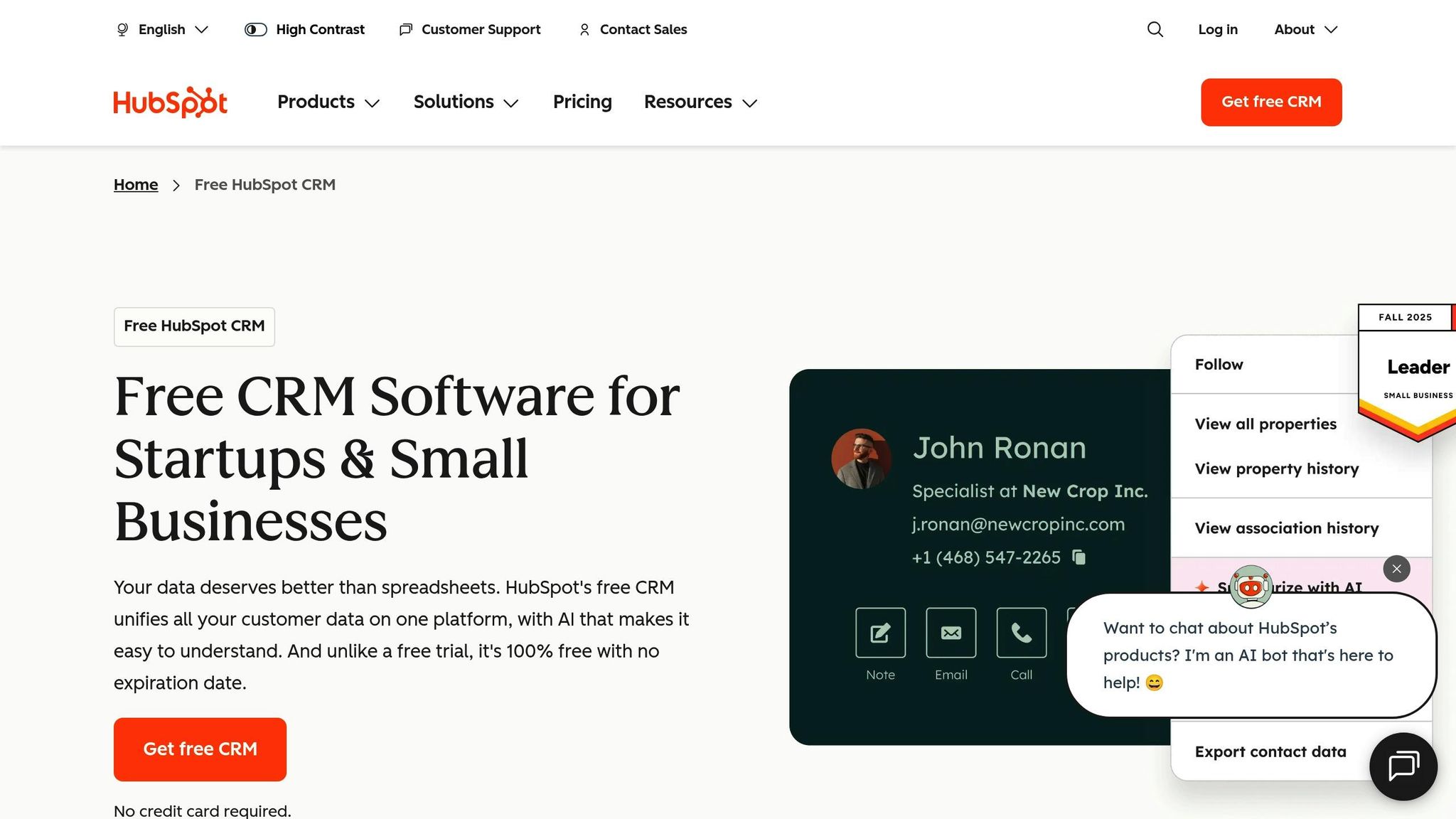
HubSpot CRM changes the game for how professional businesses handle client relationships and communication. By combining marketing, sales, and customer service into one platform, it eliminates the chaos of juggling multiple tools. Plus, the core CRM is free to use, making it a solid choice for businesses of all sizes. If you’re looking to expand, add-ons like Marketing Hub and Sales Hub are available starting at $50 per user per month.
Simplifying Day-to-Day Operations
Keeping track of client relationships shouldn’t feel like a juggling act. HubSpot CRM brings everything together by centralizing communication channels into one easy-to-use dashboard. From there, your team can manage deals, tasks, and emails while staying focused on what matters most.
The platform automatically syncs data from your website, email, and social media, ensuring your contact list is always current. Its drag-and-drop tools make sending emails, scheduling meetings, making calls, and jotting down notes a breeze – all without bouncing between different apps.
With 64% of businesses prioritizing digital tools to stay ahead, having a system like this in place is no longer a luxury – it’s a necessity. By cutting down on inefficiencies, HubSpot CRM frees up time to focus on building meaningful connections with clients, which we’ll dive into next.
Enhancing Client Engagement and Service
Strong relationships are the backbone of any expert business, and HubSpot CRM makes managing them effortless. The platform keeps track of all communications – both inbound and outbound – so no client inquiry slips through the cracks. Every interaction is logged, giving you the insights needed to deliver a more tailored experience.
Detailed analytics, like email open rates and deal progress, help you identify which clients need attention. Armed with this data, you can make smarter decisions about where to focus your efforts. When structuring your operations, setting up your CRM should be the first step, followed by implementing marketing automation.
What’s more, HubSpot integrates seamlessly with tools for contact validation, sales tracking, and project management, creating a connected system that boosts productivity. Users frequently highlight its simplicity, customization options, and responsive customer support. These features make HubSpot CRM a go-to solution for businesses looking to keep communication smooth and workflows efficient.
4. Shopify

Shopify isn’t just about selling physical products – it’s a versatile platform that lets you monetize your expertise through digital products, online courses, memberships, and consulting services. While it’s widely recognized for e-commerce, Shopify also caters perfectly to expert-led businesses looking to sell their knowledge and skills online. Its adaptability makes it a key player in any expert business’s toolkit.
Built to Grow with Your Business
For businesses centered around expertise, having a platform that grows with you is crucial. Shopify offers a reliable foundation, integrating with a variety of tools to automate essential tasks like marketing, finance, and managing your online presence. Whether you’re launching your very first online course or running a membership site with thousands of subscribers, Shopify adjusts to meet your needs as your business scales.
Simplifying Day-to-Day Operations
Managing operations can be a headache, but Shopify helps make things easier. By syncing with tools like QuickBooks, it automatically updates your sales data, cutting down on time-consuming manual entries. Plus, its integration with marketing platforms such as Encharge allows you to automate email workflows and organize your audience into segments. This means you can handle routine tasks like sending follow-ups or promotional emails without lifting a finger.
Boosting Client Engagement
Engaging with your clients is essential, and Shopify makes it simple. Through its compatibility with platforms like Encharge, you can automate personalized communications. For example, you can set up automated welcome emails for new course buyers or send reminders for membership renewals. This ensures every customer feels valued and stays connected with your business.
Expanding Your Audience and Building Trust
Shopify also helps you grow your audience and strengthen your brand’s credibility. Its social media integrations, like Juicer Social, allow you to showcase live feeds of your latest posts, testimonials, and community interactions directly on your website. This not only increases your visibility but also builds trust with potential clients, turning visitors into loyal customers.
5. Trello
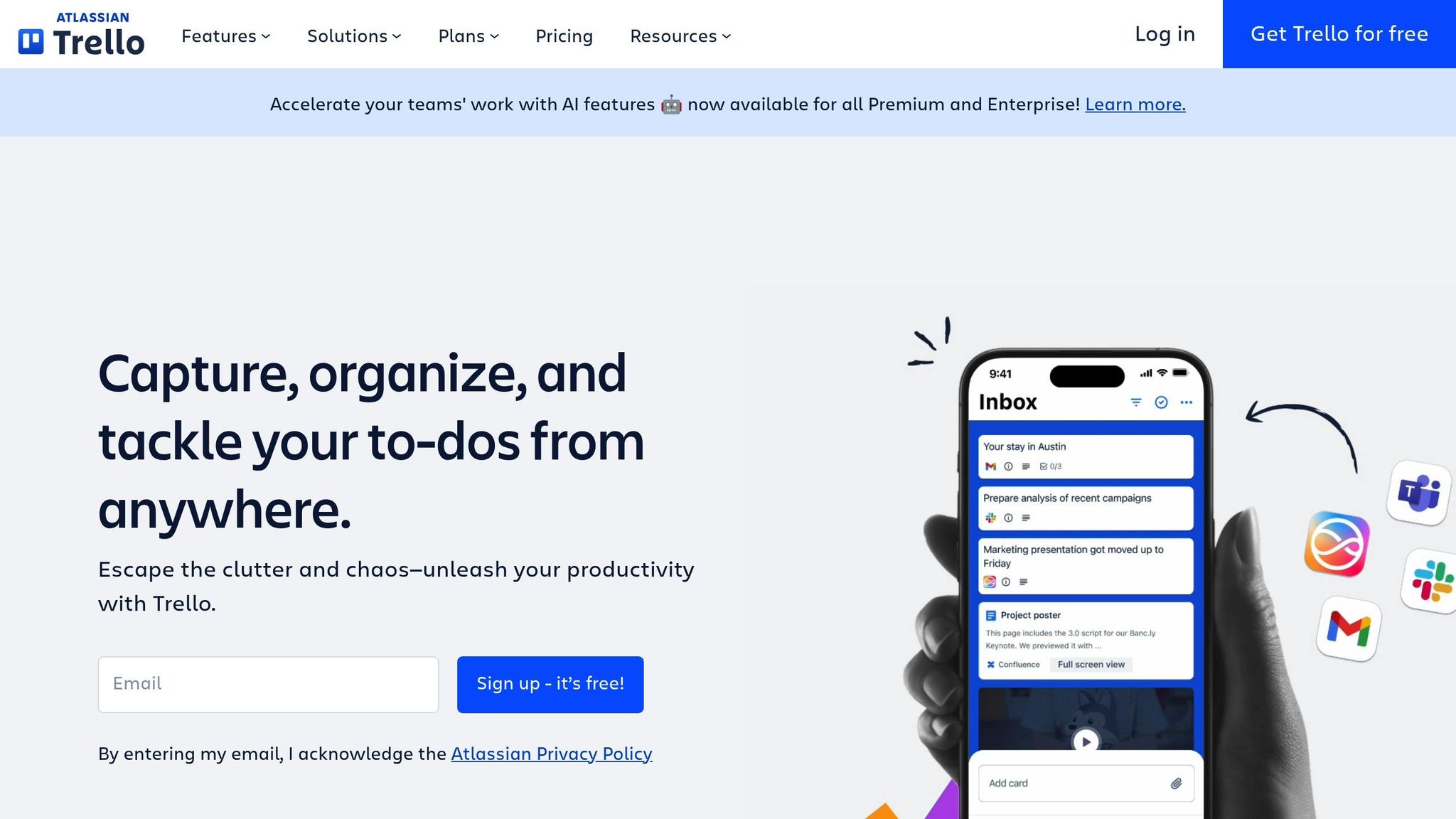
Trello is a go-to tool for expert businesses looking to manage projects with ease and clarity. When juggling multiple tasks and deadlines feels overwhelming, Trello simplifies the chaos by transforming messy to-do lists into clean, visual workflows. Its user-friendly design makes it perfect for entrepreneurs who need straightforward, effective organization.
Simplifying Operations and Boosting Efficiency
Trello uses visual layouts like Kanban and Scrum to map out projects from start to finish. These layouts make it easy to see where each task stands, helping teams stay on top of deadlines and collaborate more effectively. By consolidating scattered information into one streamlined platform, Trello reduces the risk of overlooked tasks. Features like due dates and automated reminders ensure that no deadline sneaks up on you, while also fostering better teamwork by breaking down silos within your organization.
Seamless Integration with Other Tools
One of Trello’s standout features is its ability to integrate with other platforms. It connects effortlessly with tools like WordPress and CRMs such as Salesforce, allowing you to link leads, contacts, and opportunities directly to Trello cards. These integrations centralize your client data and project updates, so you’re not constantly switching between apps to get the information you need.
Better Client Collaboration and Delivery
Trello makes managing client projects a breeze by keeping all relevant details in one accessible place. Its design is ideal for sharing progress with clients through shared boards, offering transparency without the need for constant status meetings or lengthy email threads. This setup encourages clear communication within your team and with clients, creating a smoother experience for everyone involved.
Growing with Your Business
As your business expands, Trello grows with you. Trusted by major consulting firms like Bain & Company, Trello is known for its speed, simplicity, and reliability. Its flexible pricing options make it accessible to businesses of all sizes – you can start with a free version and upgrade to the standard plan for $5 per user per month as your needs evolve. Whether you’re just starting out or managing a growing list of clients and projects, Trello adapts to your requirements, making it an essential tool for scaling expert-led businesses.
sbb-itb-f54b9a0
6. Asana

Asana is a project management tool designed to bring your tasks, deadlines, and team responsibilities under one roof. This centralized setup becomes increasingly important as your business grows and operations become more complex.
Built for Growing Teams and Businesses
Asana keeps everything in one place, making it easier to track resources and maintain records as your team and client list expand. With this bird’s-eye view of your operations, you can stay on top of key details and avoid letting anything slip through the cracks.
Simplifying Operations for Better Efficiency
Time and resource management are where Asana shines. You can assign tasks to team members, set deadlines, and track progress – all without leaving the platform. Plus, Asana integrates seamlessly with tools like Microsoft Power BI and Microsoft Teams, enhancing your reporting, analytics, and team collaboration. It also connects with other software you might already use, creating a unified tech stack that keeps your operations running smoothly.
Enhancing Client Project Management
When it comes to managing client projects, Asana’s structured approach makes life easier. You can set up dedicated project spaces for each client, organizing deliverables, timelines, and communications in one spot. This level of organization helps your team stay aligned, identify potential bottlenecks early, and build stronger relationships with clients by ensuring consistent, reliable service delivery.
7. Zapier
Zapier connects the software tools your business relies on, making them work together seamlessly. By linking apps like email, CRM, calendars, and payment processors, Zapier automates tasks such as data transfers and notifications, giving you back valuable time.
Simplifying Daily Operations
Zapier takes the hassle out of repetitive tasks that can bog down your team. For example, when a new client submits a form on your website, Zapier can automatically update your CRM, send a welcome email, set up a project in your task management tool, and schedule a follow-up reminder. Setting this up is quick and straightforward – just choose your apps, define triggers, and assign actions. Over time, these automations run continuously, saving hours and creating a solid foundation for growing your business.
Growing With Your Business
As your business expands, so do administrative tasks. Zapier helps you keep up by automating data transfers and handling increased workloads without breaking a sweat. Whether it’s managing a larger client base or processing more transactions, Zapier ensures efficiency and accuracy remain consistent. By reducing manual work and minimizing errors, it allows your team to focus on tasks that matter most, like strategy and client relationships.
Enhancing Client Engagement
Operational efficiency is only part of the picture – keeping clients engaged is equally important. With Zapier, you can automate personalized touchpoints throughout the client journey. For instance, when a client hits a milestone, Zapier can send them tailored resources, update their progress, and notify your team. These workflows ensure clients receive timely responses and regular updates, helping you maintain a smooth delivery process even as your workload grows.
8. DiSC Assessment

Scaling your business isn’t just about automating workflows – it’s also about understanding the people behind them. The DiSC Assessment provides practical insights into your team’s behavior and communication styles, helping you refine internal processes and improve client interactions.
Strengthening Team Dynamics
As your business expands, hiring becomes a natural step. The DiSC framework helps you understand how your team members communicate, make decisions, and solve problems. By identifying whether someone leans toward being Dominant, Influential, Steady, or Conscientious, you can assign roles that align with their strengths. This reduces miscommunication and ensures smoother collaboration, even during high-pressure situations.
Improving Client Relationships
DiSC isn’t just for internal use – it can also transform how you interact with clients. Knowing your communication style and recognizing your clients’ preferences allows you to adjust your approach. For example, a Dominant client may appreciate direct, results-driven discussions, while a Steady client might respond better to a focus on relationship-building and reassurance. These tailored interactions can significantly boost client satisfaction and loyalty.
Balancing Efficiency and Relationships
DiSC works hand-in-hand with operational tools like CRMs and project management platforms, addressing the human element of scaling. While tools like Zapier streamline tasks and Asana keeps workflows organized, DiSC ensures your team works well together and your client interactions feel personal. This combination creates a balanced growth strategy that blends efficiency with meaningful connections.
9. CliftonStrengths
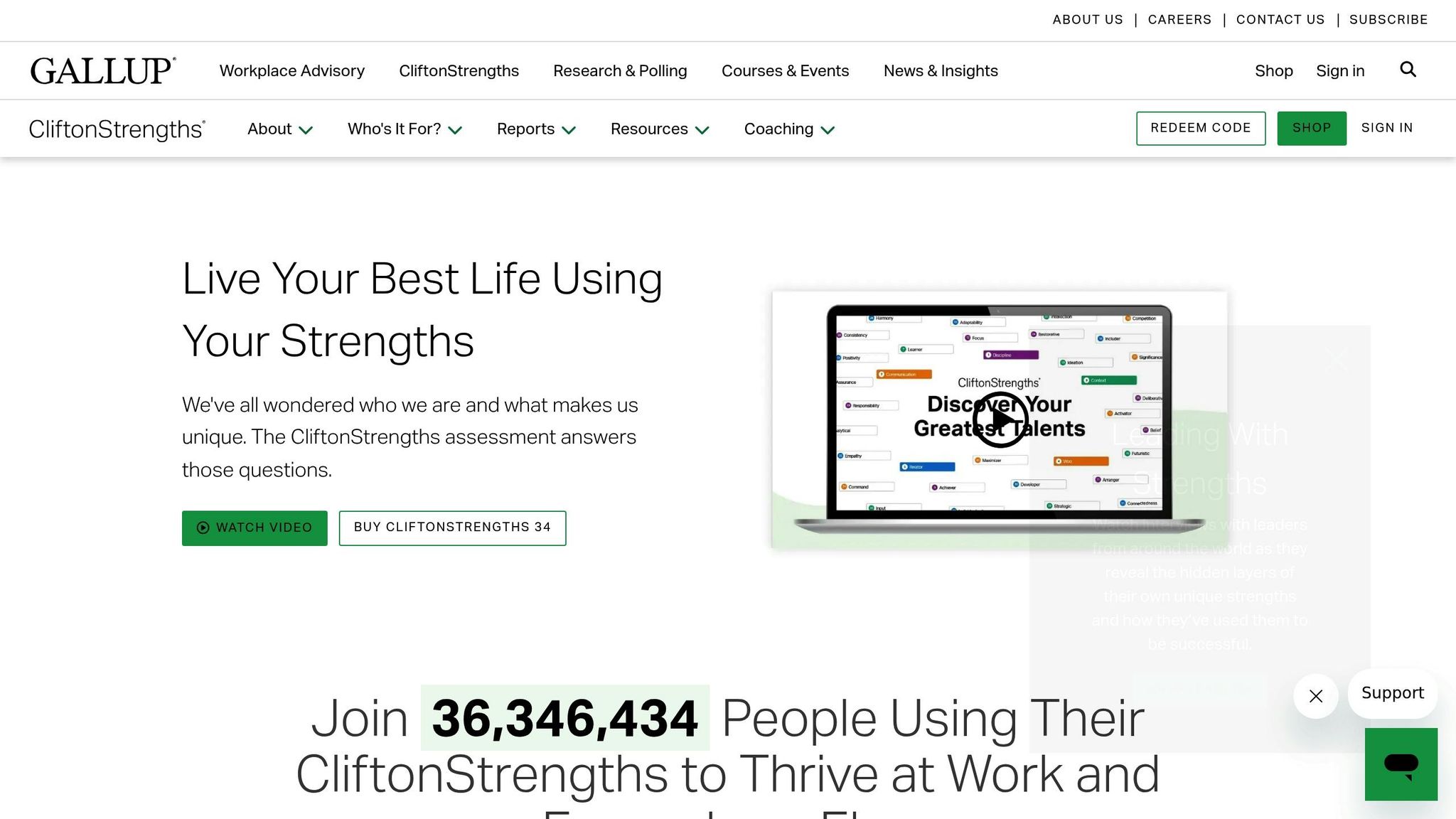
CliftonStrengths is a tool designed to help businesses led by experts uncover and harness their natural abilities to support sustainable growth.
Using Strengths to Grow Your Business
The first step is understanding what you naturally excel at. This level of self-awareness helps you align your business strategies with your innate talents. It sharpens your ability to make better decisions, focus on tasks that deliver the most value, and build a team with complementary skills.
Boosting Efficiency in Daily Operations
When your workflows are built around your strengths, your business runs more smoothly. This approach reduces burnout and simplifies key processes, creating a long-term, efficient way to operate.
Crafting Client Experiences and Establishing Credibility
By applying these insights, you can create more genuine and personalized interactions with clients. This not only strengthens relationships but also helps you develop service offerings that position you as an authority in your field. Incorporating CliftonStrengths into both your operations and client strategies lays the foundation for a growth-focused, expertise-driven business model.
10. Scale AI

Scale AI rounds out our list as a tool designed to harness the power of automation, helping you streamline operations so you can dedicate more time to what matters most.
Designed for Growth and Efficiency
Scale AI is built to adapt as your business grows, handling the increasing demands of operations by automating repetitive tasks with smart algorithms. This reduces the time spent on administrative work, allowing your systems to scale seamlessly as your client base expands. By combining automation with data analytics, Scale AI becomes a key asset in refining and simplifying your business processes.
Enhancing Client Engagement and Delivery
From onboarding to ongoing communication, Scale AI simplifies these processes to create a smooth and engaging experience for your clients.
Smarter Decision-Making
With its advanced machine learning capabilities, Scale AI provides actionable insights, helping you make informed and agile decisions as your business evolves. This data-driven approach ensures you’re always equipped to navigate operational challenges effectively.
Conclusion
Growing your expert business requires a solid foundation that supports expansion while maintaining high standards. The right tools can make all the difference in tackling challenges like financial management, client engagement, workflow efficiency, and team development.
Each tool serves a specific purpose in simplifying operations and helping you reach more clients. For instance, project management tools improve team collaboration and keep workflows on track. Zapier connects your platforms, saving hours of manual work by automating data transfers. Tools like DiSC Assessment and CliftonStrengths give you insights into team dynamics and client interactions, helping you build stronger relationships and a more effective team. And as your business grows, Scale AI provides automation and data-driven insights to manage increasing complexity with ease.
The first step is identifying where your business needs the most support. Are administrative tasks eating up your time? Consider tools like Zapier or Scale AI. Struggling to nurture client relationships? HubSpot CRM could be the answer. If you’re ready to branch out into digital products, platforms like Scale Your Expertise or Shopify are essential.
Start by pinpointing your biggest operational challenge – whether it’s financial tracking, client management, team coordination, or content delivery. Then, choose one or two tools that directly address that issue and fully integrate them before adding more. The goal isn’t to use every tool out there but to create a system that simplifies your work and supports your growth without unnecessary complexity.
Your expertise is your greatest asset, but without the right systems in place, scaling can feel overwhelming. These tools are designed to take care of the operational side so you can focus on what you do best – serving clients, making an impact, and expanding your influence. By addressing your current bottlenecks with targeted solutions, you can build a business that grows sustainably and reinforces your authority in the process.
FAQs
What’s the best way to introduce these tools into my business without overwhelming my team?
To effectively bring new tools into your business, begin by pinpointing the areas that could benefit the most from improvement. Select tools that address specific challenges while seamlessly integrating with your existing systems to keep disruptions to a minimum. Roll them out gradually – one at a time – to prevent overwhelming your team.
Make sure to provide thorough training and continuous support so your team feels comfortable and capable when using these tools. Prioritize tools with features like automation to take care of repetitive tasks, giving your team more time to focus on strategic work. Keep an eye on how these tools are performing, and adjust your strategy as needed to ensure they stay aligned with your goals and help boost efficiency.
What should I consider when choosing the first tools to grow my expert business?
When deciding on tools to grow your expert business, it’s smart to focus on those that tackle your most pressing challenges and make key processes easier. Look for tools that can streamline client onboarding, boost project management, and improve internal communication. Additionally, consider solutions that help build stronger customer relationships, like CRM platforms or automation tools.
Select tools that match your business objectives, are simple to integrate, and can grow with you. By zeroing in on these priorities, you’ll set the stage for smoother operations and sustainable growth.
How can tools like DiSC Assessment and CliftonStrengths improve team collaboration and client relationships in a growing business?
Tools such as the DiSC Assessment and CliftonStrengths play a key role in helping businesses thrive by shedding light on individual personality traits and strengths. By leveraging these insights, teams can improve communication and collaboration, creating a more cohesive and efficient workplace.
When it comes to client relationships, recognizing distinct strengths and communication preferences enables businesses to tailor their engagement strategies. This approach not only builds stronger trust with clients but also elevates the quality of service provided.
Related Blog Posts
- 5 Frameworks That Amplify Expert Impact
- Ultimate Guide to Scaling Professional Services
- AI Workflow Automation: Key Strategies for Experts
- How AI Helps Solve Client Journey Pain Points
 Scale Your Expertise