

Automating client onboarding saves time, reduces errors, and ensures every client has a consistent experience. Whether you’re managing 20 or 1,000 clients, automation tools can handle repetitive tasks like data collection, scheduling, and document sharing, allowing you to focus on building stronger relationships. Here’s a quick breakdown of the top platforms:
- Zite: AI-powered custom portals; starts at $19/month.
- Rocketlane: Project-based onboarding for agencies; $19/user/month.
- Dock: Shared workspaces for client collaboration; $350/month for 5 users.
- GuideCX: Transparent client dashboards; ~$416/month.
- HubSpot: CRM-integrated workflows; $9/seat/month.
- Gainsight: Enterprise-level onboarding; starts at $13,533/year.
- OnRamp: Scalable implementations with dual portals; custom pricing (~$1,250/month).
- ClickUp: All-in-one task management; $7/user/month.
Quick Tip: Start by mapping your current onboarding process using proven frameworks to identify bottlenecks, then match a platform to your business size, budget, and integration needs. For smaller teams, Zite and ClickUp are affordable starting points. Larger enterprises may benefit from GuideCX or Gainsight for managing complex workflows.
Comparison Table:
| Platform | Best Use Case | Starting Price | Key Feature | Integrations |
|---|---|---|---|---|
| Zite | Custom client portals | $19/month | AI-powered no-code builder | Slack, Custom Domains |
| Rocketlane | Agency onboarding | $19/user/month | Templates & collaboration | Salesforce, HubSpot |
| Dock | Client collaboration | $350/month (5 users) | Shared content hubs | HubSpot, Slack |
| GuideCX | Transparent progress tracking | ~$416/month | Client-facing dashboards | Salesforce, Jira |
| HubSpot | CRM-integrated onboarding | $9/seat/month | Workflow automation | 1,000+ apps |
| Gainsight | Enterprise onboarding | $13,533/year | Analytics & education tools | Salesforce, Zendesk |
| OnRamp | Scalable SaaS implementations | ~$1,250/month | Dual-interface portals | Salesforce, HubSpot |
| ClickUp | All-in-one management | $7/user/month | Customizable workflows | Google Drive, Slack |
Choose the right tool based on your team’s needs, client volume, and existing software stack. Automation isn’t just about saving time – it’s about delivering a smoother, more professional experience for your clients.
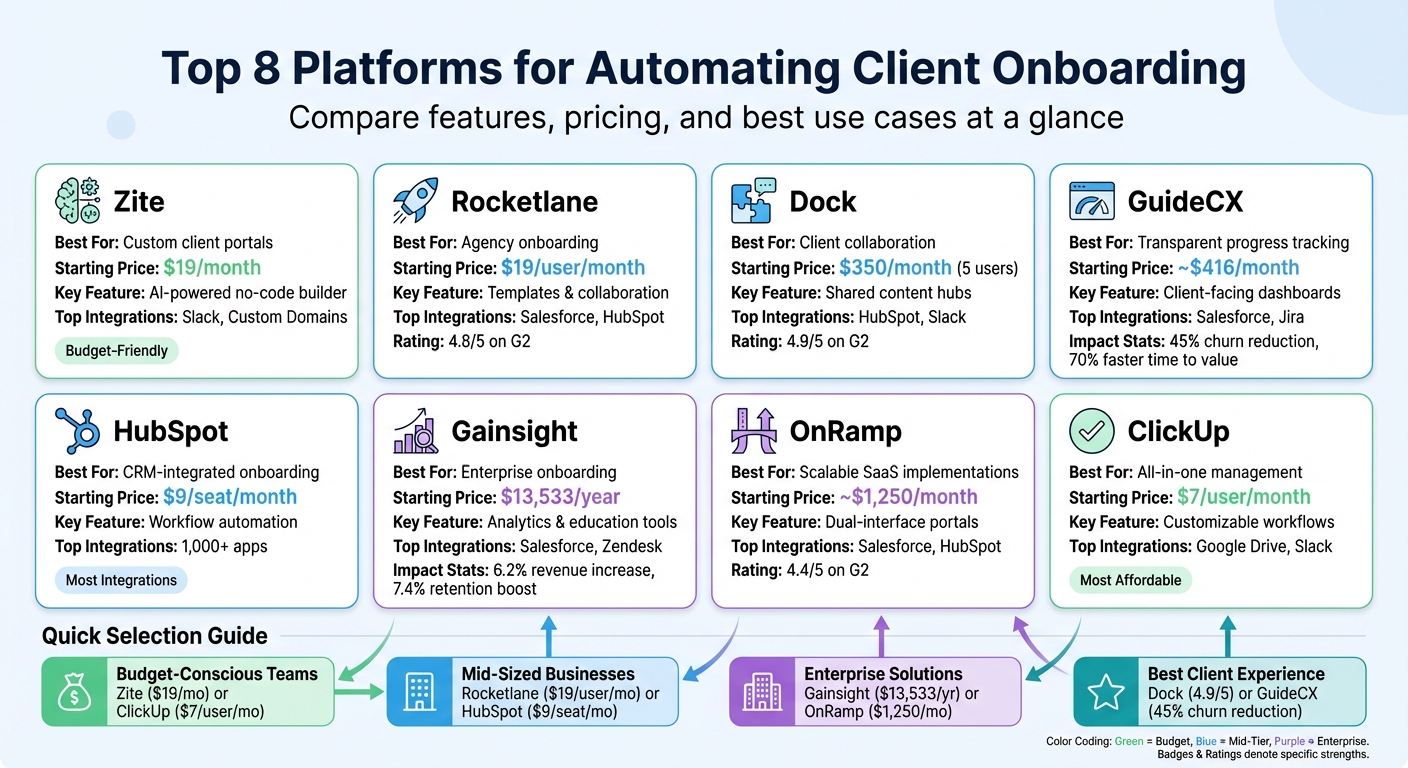
Client Onboarding Platform Comparison: Features, Pricing & Best Use Cases
Build a No-Code AI Client Onboarding System That Runs Itself
8 Platforms for Automating Client Onboarding
Choosing the right platform depends on your team’s workflow, size, and the complexity of your client onboarding process. Below, you’ll find an overview of each platform’s standout features and pricing to help you decide.
Zite
Zite uses AI to create custom client portals in less than five minutes. This is perfect for teams with specialized onboarding needs that standard software can’t address. Simply describe your requirements, and Zite generates a portal complete with intake forms, task lists, and authentication – no coding needed. It also offers a built-in database and white-labeling options to keep your branding front and center. Pricing starts at $19 per month, and there’s a free plan available for testing the platform.
Rocketlane
Rocketlane is tailored for professional services teams and agencies that handle project-based onboarding. It combines templates, real-time collaboration tools, and automated workflows to speed up onboarding cycles. Plus, its CRM integration ensures a smooth handoff from sales to implementation. With a 4.8/5 rating on G2, Rocketlane is priced at approximately $19 per team member per month when billed annually.
Dock
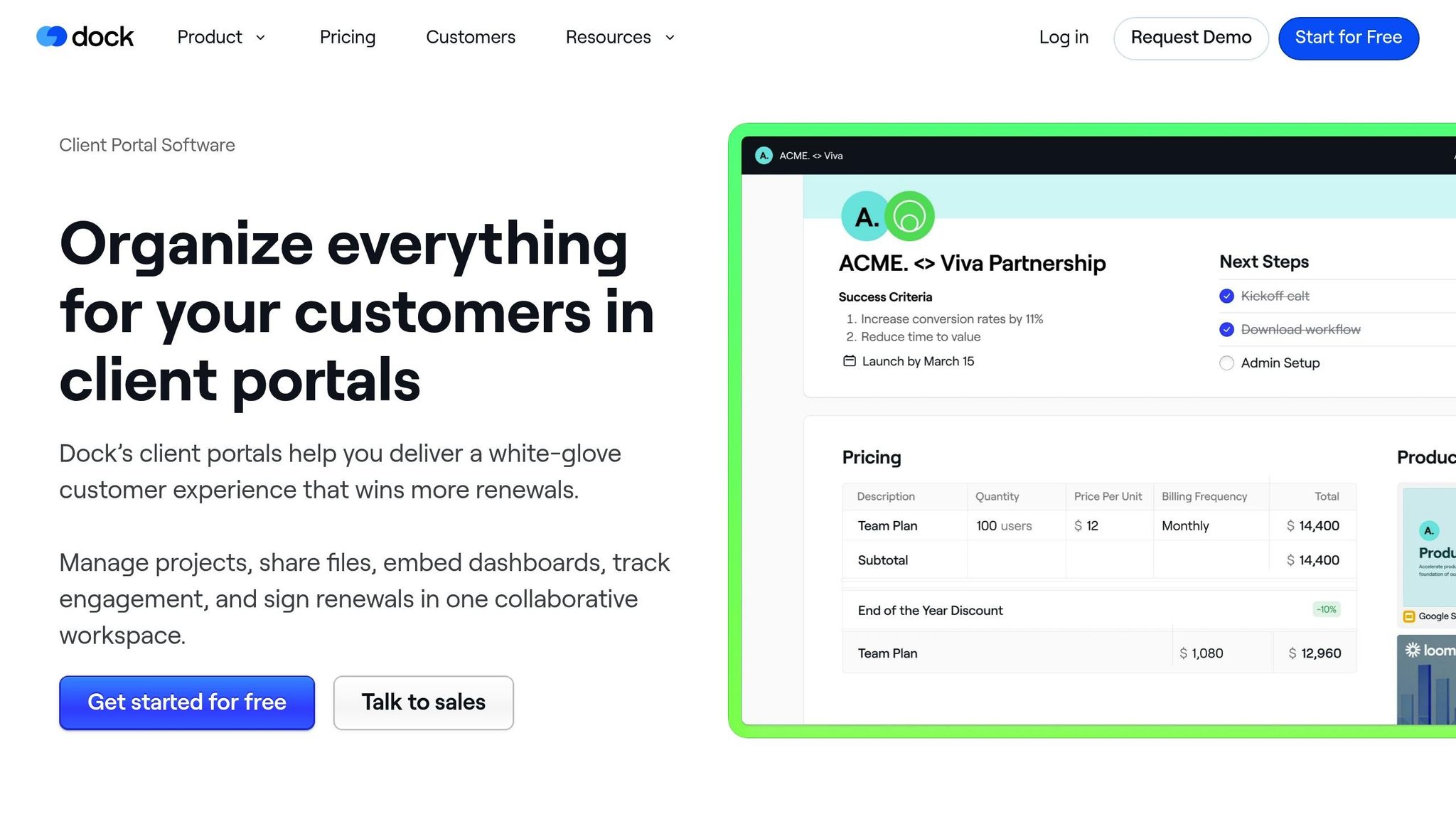
Dock provides shared, branded workspaces where your team and clients can collaborate on tasks and documents seamlessly. Its "no-login" feature makes it easier for clients to engage, while activity tracking helps you spot bottlenecks quickly. Dock has a 4.9/5 rating on G2 and offers a free plan, with paid plans starting at $350 per month for up to five users.
GuideCX
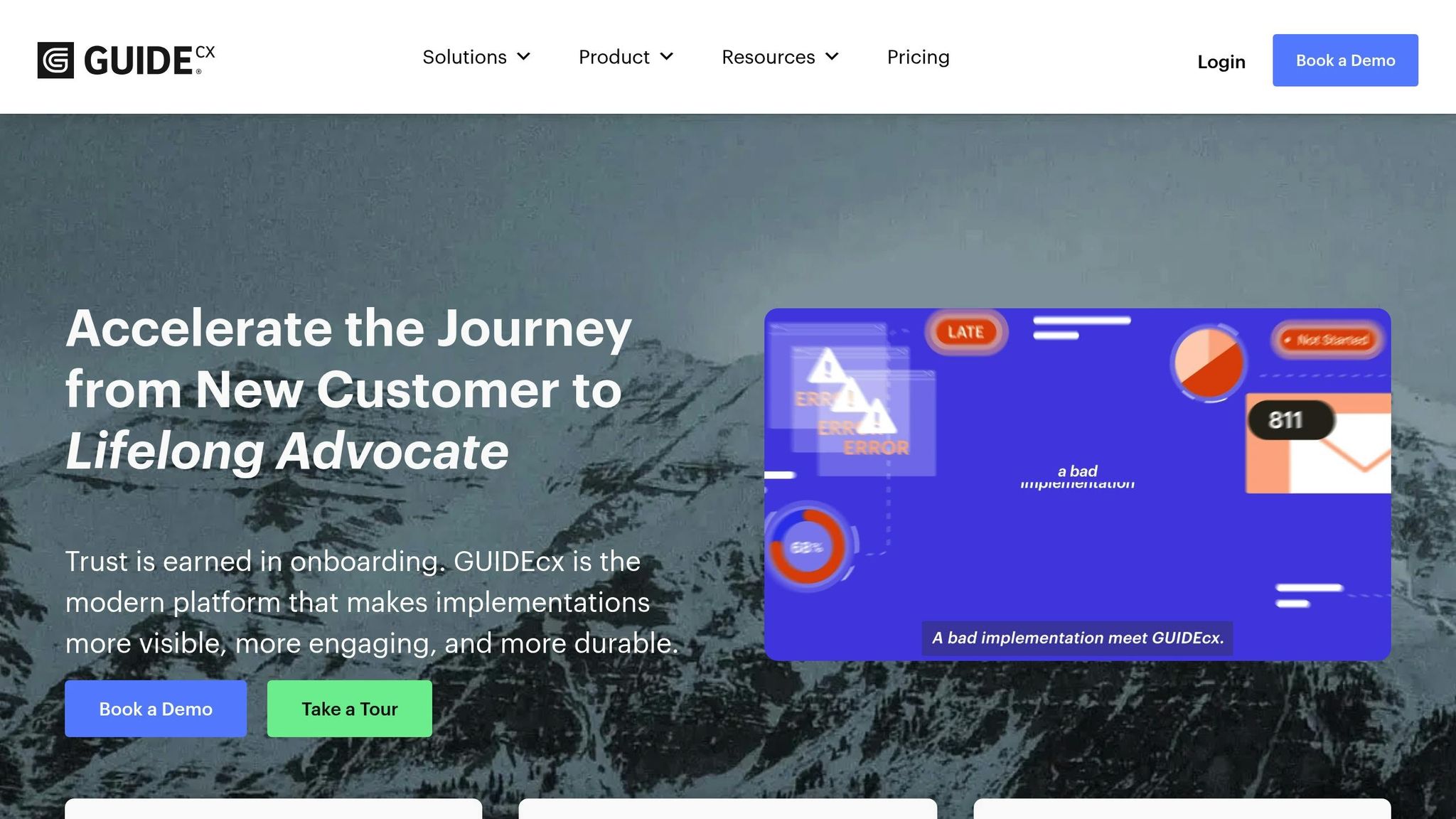
GuideCX emphasizes transparency with client-facing workspaces, automated reminders, and AI-driven project forecasts that adjust timelines in real time. Designed for B2B companies with complex onboarding processes, it improves external stakeholder collaboration. Users have reported impressive results: a 45% reduction in churn, a 70% faster time to value, and a 40% boost in team capacity.
"GUIDEcx has helped us streamline our process by clearly defining roles, tasks, and status updates – it’s been a game changer for our team."
Starter packages begin at $5,000 per year, or licenses start at $143 per month.
HubSpot
HubSpot integrates CRM data to manage onboarding through deal pipelines, automating tasks and email sequences for a smooth transition from sales to customer success. It also includes features like self-service knowledge bases, in-app messaging, AI-powered insights, and a wide range of app integrations. Ideal for mid-sized B2B companies already using HubSpot, it offers a free plan for two users, while Starter plans for Sales Hub begin at $9 per seat per month (billed annually).
Gainsight
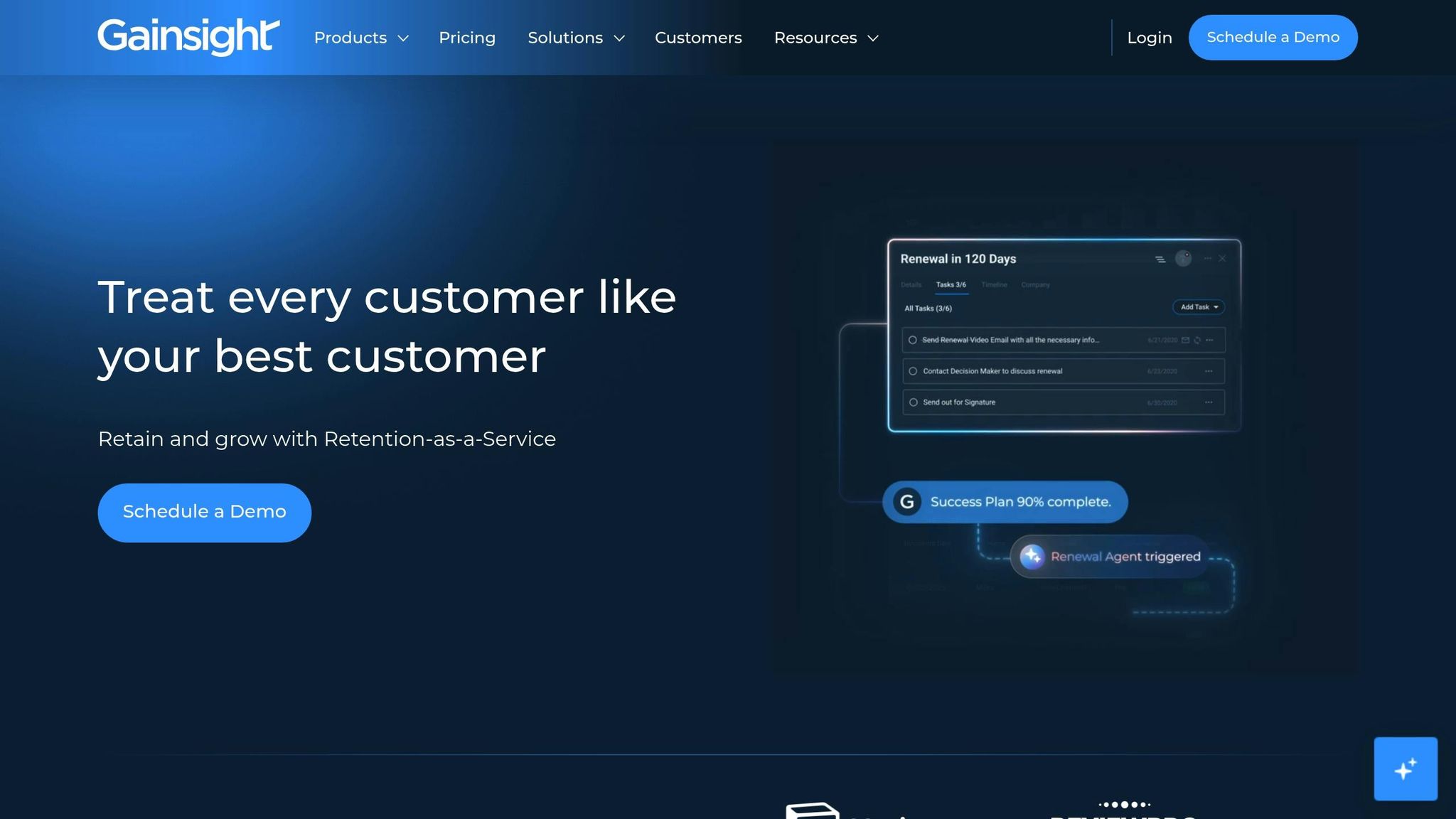
Gainsight is built for large enterprises with intricate onboarding processes. It includes learning management systems for client education, personalized onboarding paths, and analytics dashboards to monitor the customer journey. Data shows that educating clients during onboarding can increase revenue by 6.2% and retention by 7.4%. However, some users find the reporting features challenging to use, and the platform has a steep learning curve. Pricing starts at $13,533 per year, depending on the setup.
OnRamp
OnRamp is designed for mid-market and enterprise B2B companies managing complex, scalable implementations. It features dual-interface portals – one for internal teams and another for clients – along with workflow automation and centralized communication. Its white-labeling capabilities ensure your branding remains consistent throughout the process. OnRamp has a 4.4/5 rating on G2 and offers custom pricing based on team size and implementation needs.
ClickUp
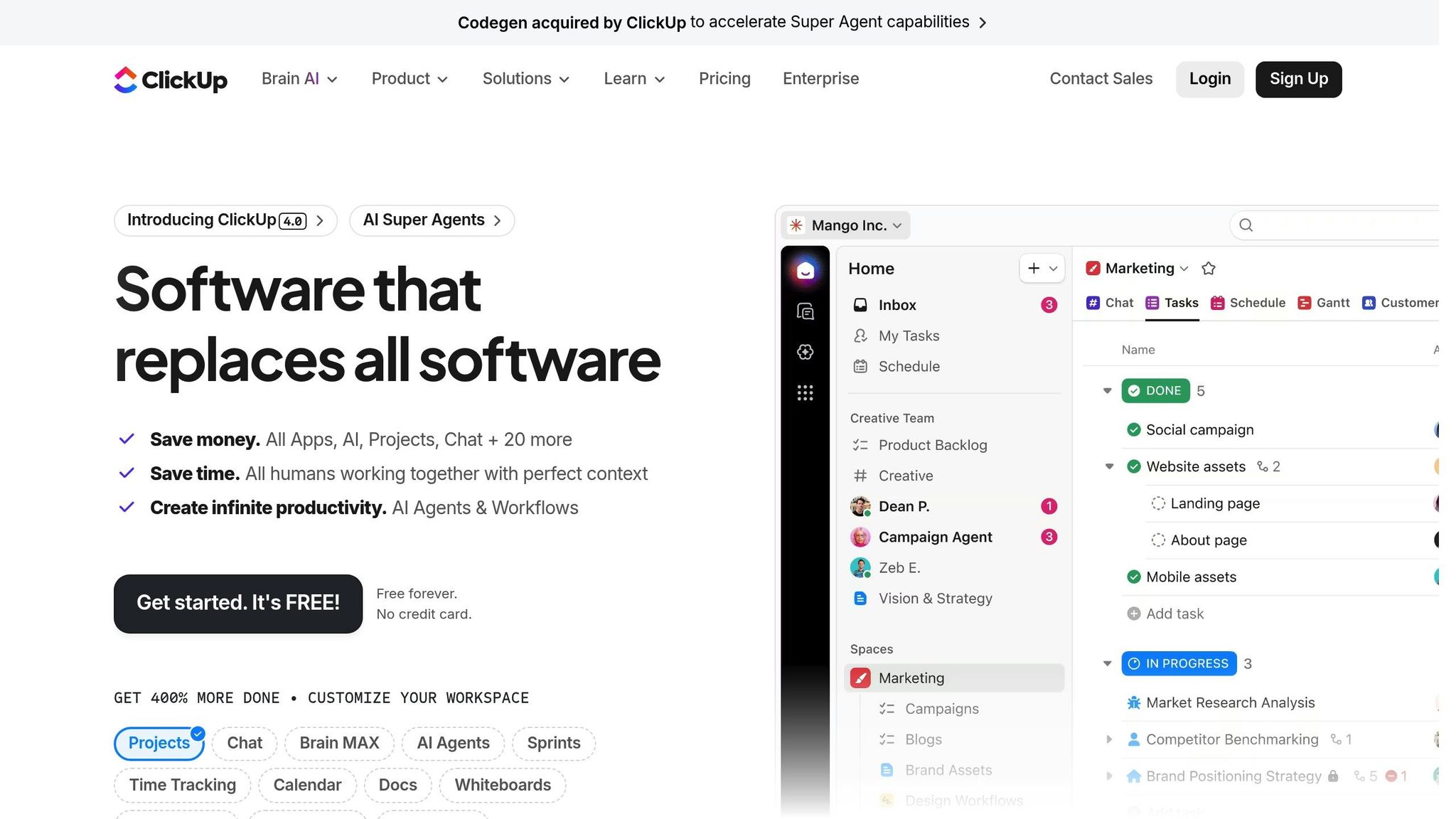
ClickUp is an all-in-one management tool that consolidates tasks, documents, and collaboration into a single platform. With customizable statuses, built-in documents, and forms, it simplifies onboarding while supporting other business operations. It’s a great fit for teams looking to unify processes across departments. ClickUp offers a Free Forever plan, with paid plans starting at $7 per user per month when billed annually.
Each of these platforms offers tools to streamline client onboarding, helping teams save time and improve the overall client experience.
Platform Comparison
When comparing these platforms, pricing stands out as a major difference. Some charge per user, while others offer flat or custom rates. For example, HubSpot is a standout choice for those already using its CRM tools. On the other hand, Zite and ClickUp provide budget-friendly starting points at $19 and $7 per user/month, respectively.
The choice of platform often depends on whether your focus is internal or external. ClickUp is ideal for managing internal tasks, while Dock and GuideCX are better suited for creating branded, client-facing experiences.
Integration capabilities also play a crucial role. With 40% of companies using four to six tools just for onboarding, selecting a platform that integrates effortlessly with your existing tools is essential. For instance, HubSpot connects with over 1,000 apps, making it incredibly versatile. The table below highlights key differences among these platforms.
Comparison Table
| Platform | Best Use Case | Starting Price | Main Strength | Top Integrations |
|---|---|---|---|---|
| Zite | Custom portals for specific needs | $19/month | AI-powered no-code builder | Slack, Custom Domains |
| Rocketlane | Project-based agency work | $19/user/month (5-user minimum) | Shared timelines & visibility | Salesforce, Slack, HubSpot |
| Dock | High-touch B2B collaboration | $350/month (up to 5 users) | Shared content hubs | HubSpot, Salesforce, Slack |
| GuideCX | Transparent progress tracking | ~$416/month | Client-facing dashboards | HubSpot, Salesforce, Jira |
| HubSpot | CRM-integrated workflows | $9/seat/month | Sales-to-success handoff | 1,000+ app ecosystem |
| Gainsight | Enterprise customer success | Custom pricing | Health scoring & retention | Salesforce, Zendesk, Segment |
| OnRamp | Scalable SaaS implementations | ~$1,250/month | Dual-interface portals | Salesforce, HubSpot |
| ClickUp | All-in-one team management | $7/user/month | High customizability | Google Drive, Slack, Zoom |
For those seeking affordable options, Zite and ClickUp are both available for under $20/month. However, enterprise-level solutions like GuideCX and OnRamp cater to more complex needs, requiring annual commitments ranging from $5,000 to $15,000. These higher-tier options are built to handle intricate, multi-department workflows.
sbb-itb-f54b9a0
How to Choose the Right Platform
Before diving into software options, take a step back and map out your current onboarding workflow. Use visual tools like Lucidchart or Miro to outline every step – from the moment a client signs on to when they’re fully active. This helps you spot bottlenecks, inefficient handoffs, and wasted time. Skipping this step could lead to picking a platform that doesn’t align with your needs. Once you’ve got a clear picture, match those insights to your business’s scale and budget.
Speaking of budgets, your business size plays a huge role. If you’re handling 50–200 clients, expect to spend around $10,000–$25,000. For 200–1,000 clients, that range jumps to $25,000–$75,000, and for 1,000+ clients, plan for $75,000–$250,000. Manual processes usually become unsustainable when you’re onboarding 20–30 new customers a month.
For businesses like consultancies, agencies, or financial advisors, it’s crucial to focus on platforms with strong client-facing features. Look for tools that offer branded portals, zero-login options (like Magic Links), and secure document exchange with e-signatures. These features aren’t just nice-to-haves – customers notice. In fact, 54% of customers will switch to a competitor after a single poor digital experience. Take Outfunnel, for example: in late 2023, this marketing automation company automated their client onboarding process, cutting team workload by over 80% while maintaining high customer activation rates.
Integration is another key factor. Make a list of your core tools – whether that’s your CRM (like HubSpot or Salesforce), accounting software (think Xero or QuickBooks), or communication platforms (such as Slack or Microsoft Teams). It’s important that the onboarding platform offers native integrations instead of relying only on third-party connectors. Just as HubSpot prioritizes seamless app integration, your platform should work smoothly with your current setup. Once you’ve confirmed compatibility, test the platform with trial data to ensure it performs as expected.
If your IT resources are limited, consider no-code or low-code tools like Zite or ClickUp. These allow non-technical users to tweak workflows as your process evolves. To ensure the platform fits your needs, simulate full client journeys to identify timing issues or branding inconsistencies. Start small by automating repetitive tasks like sending welcome messages, handling initial paperwork, or delivering standard training materials. Trying to automate everything at once can lead to more headaches than solutions.
Conclusion
Automating client onboarding lays the groundwork for scaling your business while freeing up time for meaningful client interactions. By cutting out repetitive tasks like data entry, scheduling, and document collection, you can focus on what truly matters – building relationships and delivering impactful results.
As mentioned earlier, a poor onboarding experience can push clients toward competitors, while a seamless process fosters loyalty. The right tools ensure every client interaction is consistent and professional. Automated workflows provide a smooth, on-brand welcome, setting clear expectations and building trust from the start. Instead of juggling scattered emails and spreadsheets, centralized portals offer a single, organized hub for all client information.
For professionals such as consultants, coaches, and industry experts, automation makes it possible to manage more clients without increasing staff or risking errors like missed follow-ups or incorrect emails. It speeds up the time it takes for clients to see value while improving retention across various industries.
To get started, focus on automating the most repetitive tasks in your workflow. Map out your current process, pinpoint areas that consume the most time, and automate those first. Leave the complex, strategic elements for personal attention to maintain that essential human connection.
As Paul Stone, Product Evangelist at FlowForma, puts it:
"A smooth and efficient client onboarding experience can set the tone for a long-lasting business relationship."
With the client onboarding software market expected to hit $6.28 billion by 2031, there’s no better time to embrace automation. It’s an investment in scaling your business while maintaining top-notch service at every step.
FAQs
What should I look for in a client onboarding platform?
When choosing a client onboarding platform, it’s essential to focus on features that match your business needs and enhance the overall client experience. Start by looking into the platform’s automation capabilities. Can it streamline tasks like collecting documents, managing contracts, and organizing tasks? Automation not only cuts down on manual work but also saves time while ensuring a smooth and consistent onboarding process.
Another critical factor is integration options. Does the platform work seamlessly with the tools you already use? Features like client portals, document management systems, and built-in communication tools can make collaboration easier and improve transparency. These tools also help foster trust by keeping clients informed and engaged.
Lastly, think about the platform’s scalability and flexibility. Can it grow with your business and adapt to evolving workflows? Opting for a solution that supports your long-term goals will ensure it remains useful as your business expands.
Why are integration capabilities important for client onboarding platforms?
Integration capabilities are the backbone of modern client onboarding platforms because they connect seamlessly with other tools, streamlining workflows and cutting down on manual work. Think about it: when these platforms sync with systems like CRM software, e-signature tools, or communication platforms, they ensure data moves effortlessly. This automation takes care of repetitive tasks like scheduling meetings, collecting documents, or sending follow-up reminders.
The result? A smoother, more accurate process that not only saves time but also boosts consistency. This level of efficiency creates a polished, tailored onboarding experience that leaves a great impression. Plus, strong integration features make it easier for businesses to scale their operations, keep clients happy, and build relationships that last.
How much do client onboarding platforms cost for different business sizes?
The price of client onboarding platforms depends on your business’s size and specific needs. For small businesses or startups, entry-level plans often start at around $99 per month, making them a good fit for smaller teams. On the other hand, larger organizations with more complex needs may opt for advanced solutions, which can cost anywhere from $500 per month to $7,000 or more annually, depending on the features and scalability required.
Some platforms offer custom pricing or tiered plans, giving businesses the flexibility to select options that align with their growth stage. While larger enterprises might face higher costs, they typically benefit from more advanced automation, integrations, and security features. Smaller businesses can generally plan for a budget of a few hundred dollars per month, whereas larger companies should prepare to spend several thousand dollars annually.
Related Blog Posts
- 7 Ways to Scale Your Consulting Business Fast
- Top 10 Tools for Scaling Expert Businesses
- How AI Helps Solve Client Journey Pain Points
- How to Automate Client Onboarding
 Scale Your Expertise